A different screen for a different job
The table view is dark, quiet and built to be glanced at rather than read. Bigger type, higher contrast, fewer things on screen, and no navigation bar across the top — because five people are waiting and you have about two seconds.
Step 1 — Open the table view
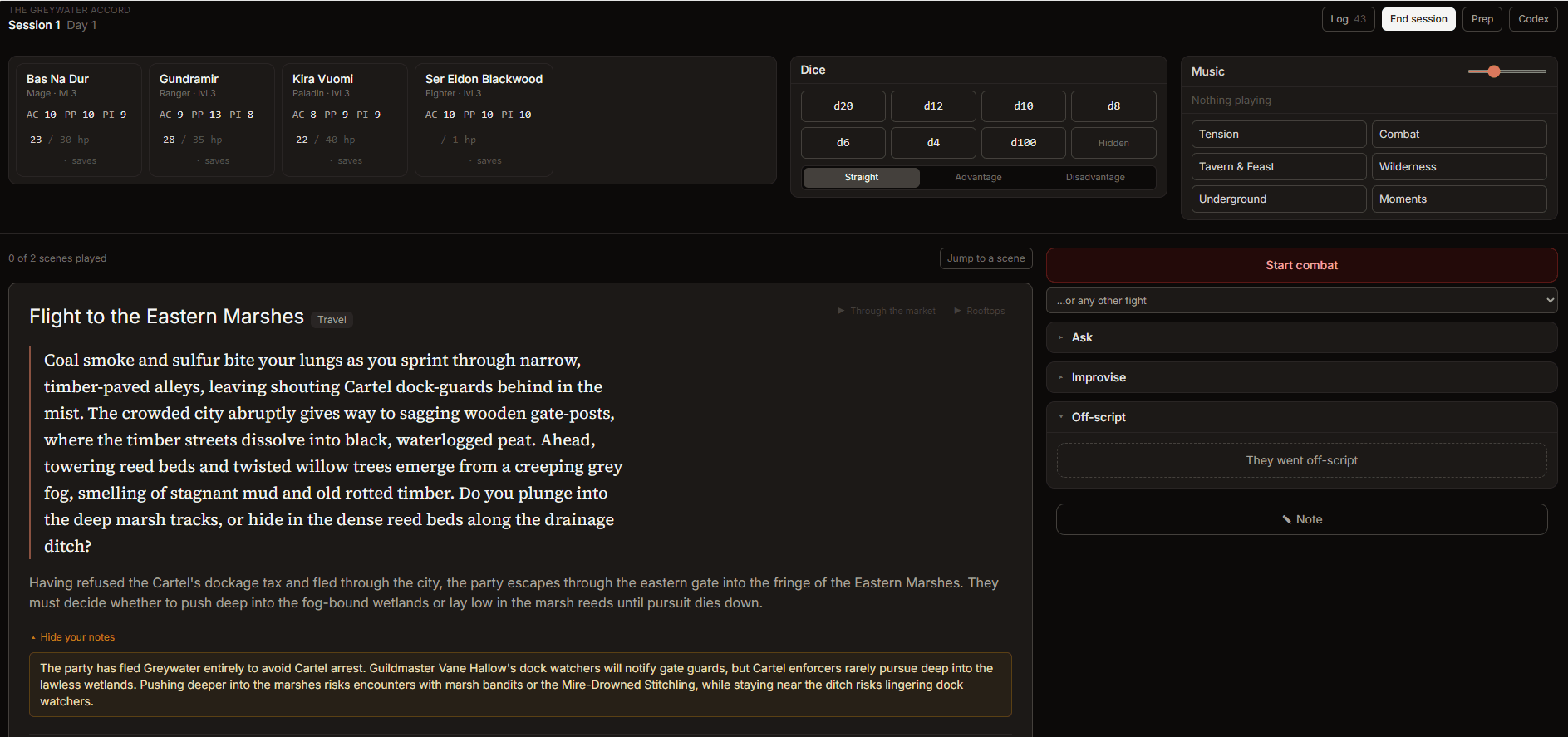
When a session is prepped, the dashboard offers Run it. It opens on your first scene, full-bleed and dark.
Nothing else in the app looks like this, and that is deliberate — it is the only screen read across a room.
Step 2 — Move through the scenes
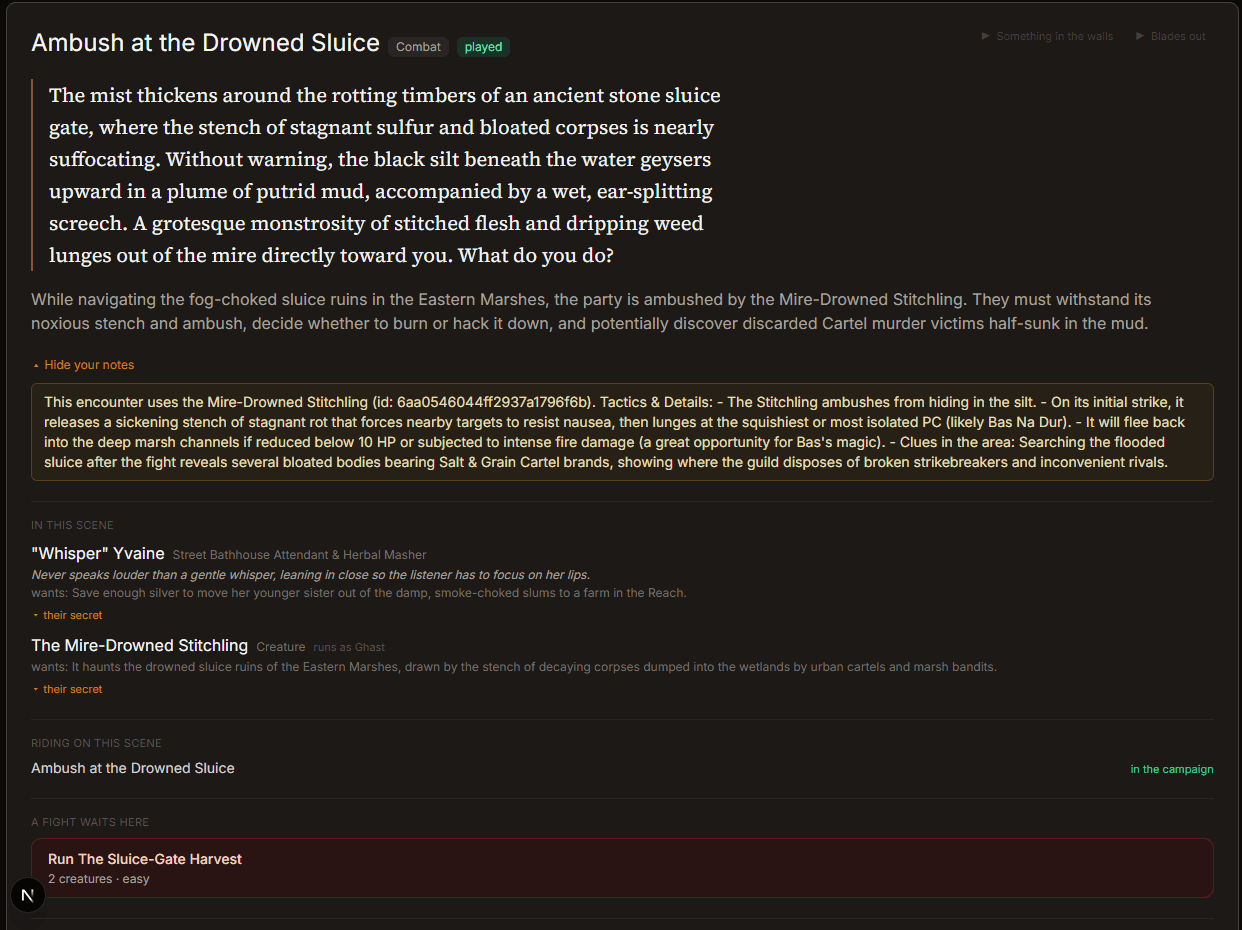
The current scene fills the middle: read-aloud text in a serif at a size you can read from across a table, your private notes below it, and the music for that scene in the corner.
The party strip along the side shows hit points and conditions for everyone, updating as the session goes.
Step 3 — Run a fight
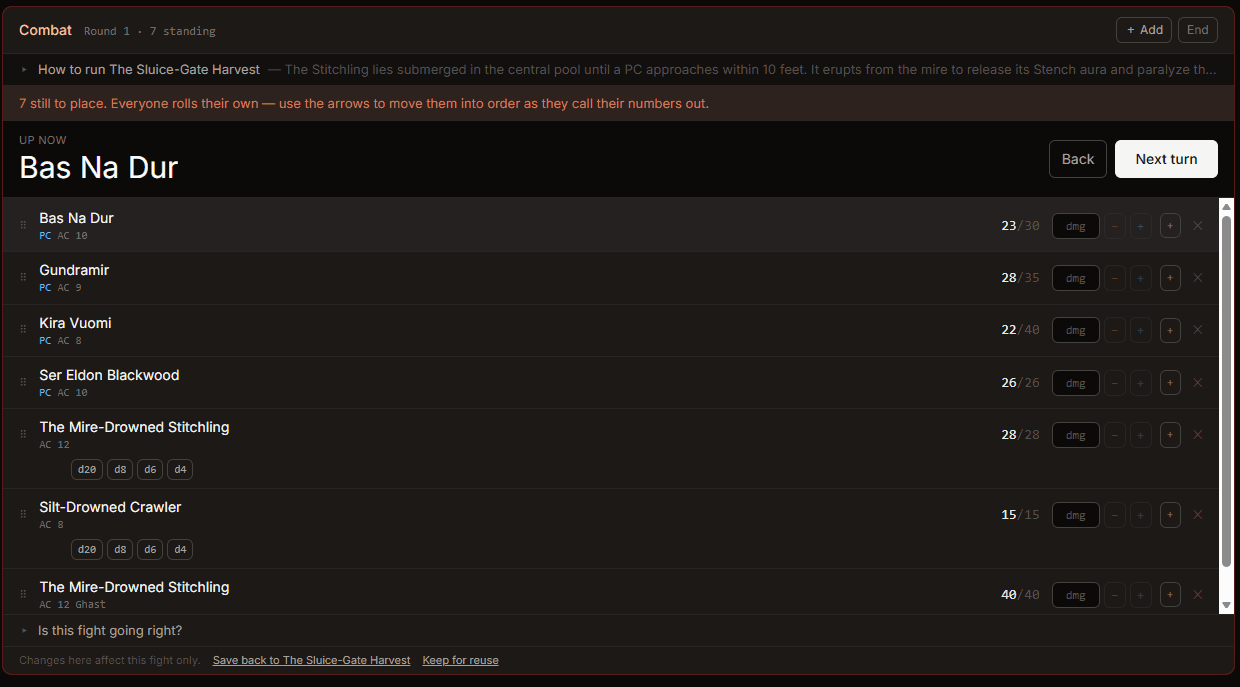
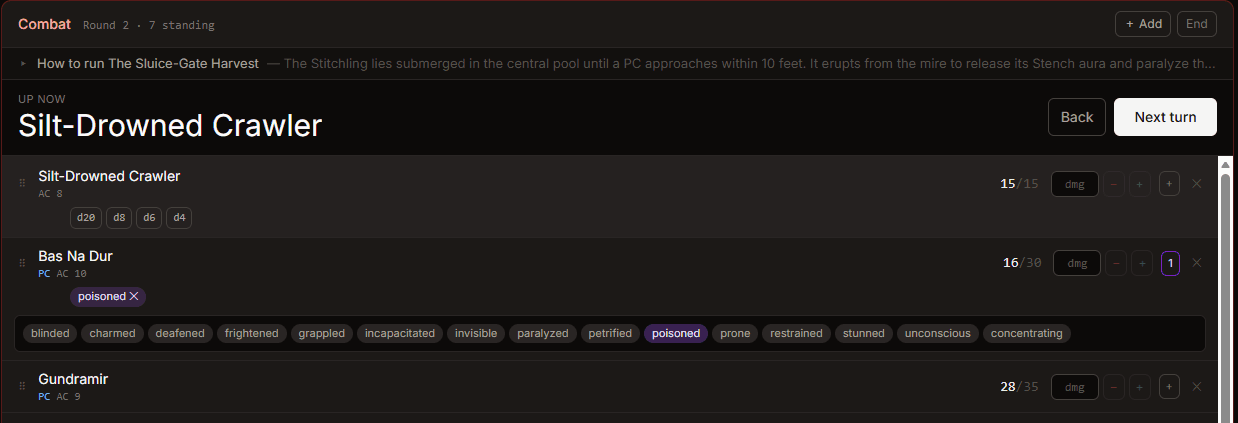
Start a fight and everyone in it appears in one list: your monsters from the encounter, your party from the codex, with hit points already filled in.
Put them in order by dragging
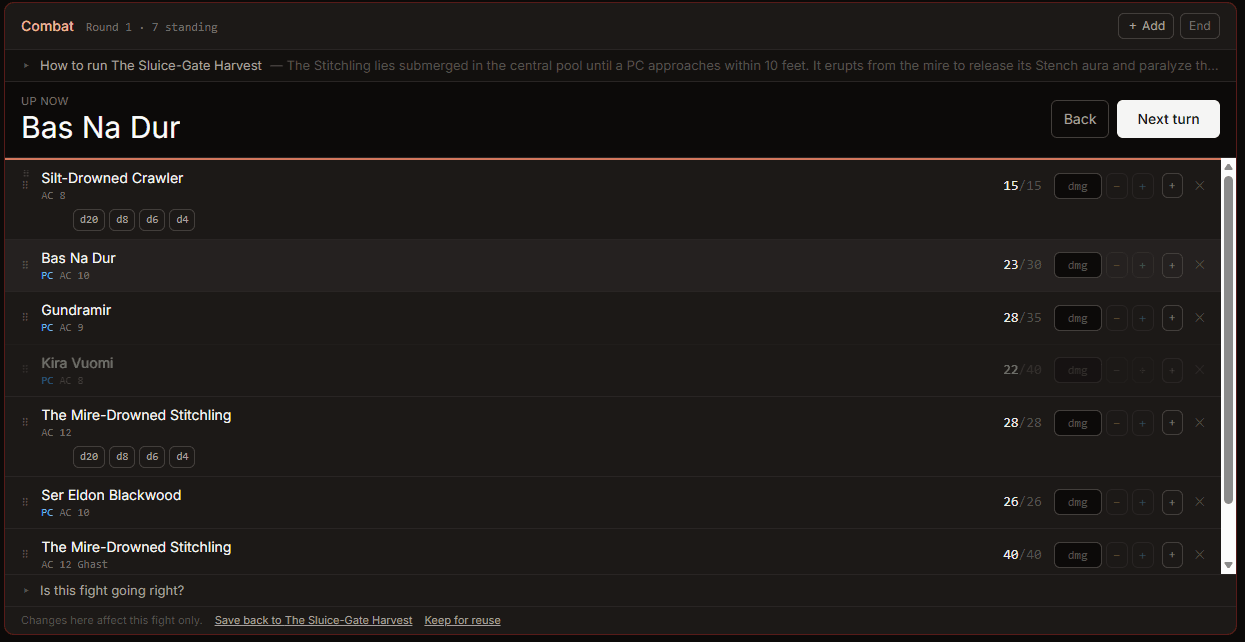
Everyone rolls their own initiative, including you. As each player calls a number, drag them into place — the whole row is a drop target, because aiming at a small grip while four people talk is not a reasonable ask.
Track damage and conditions
- Type a number on a row to take hit points off.
- A negative number heals.
- Conditions go on from the same row.
- Move the turn on — whoever is up is large at the top.
Player hit points sync back to the codex, so the party strip is right the next time you open it.
Step 4 — Ask when you do not know
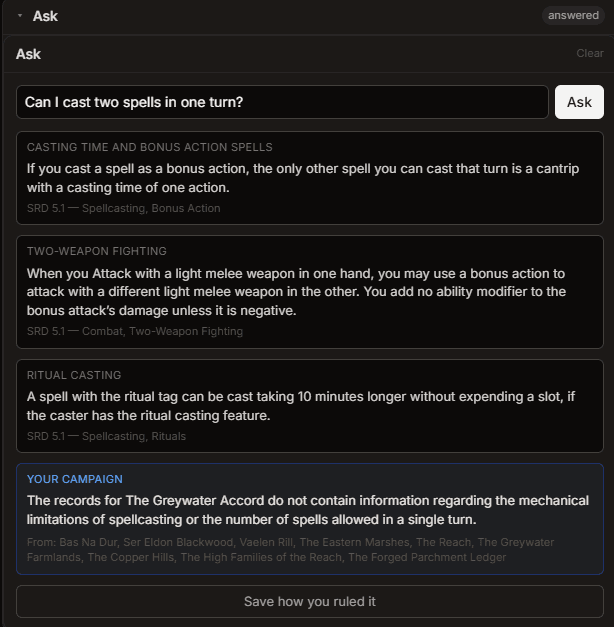
Type the question and get a decisive answer in a sentence or two, with the source it came from. No hedging and no essay, because neither is any use with everyone waiting.
Step 5 — Improvise what you did not prepare
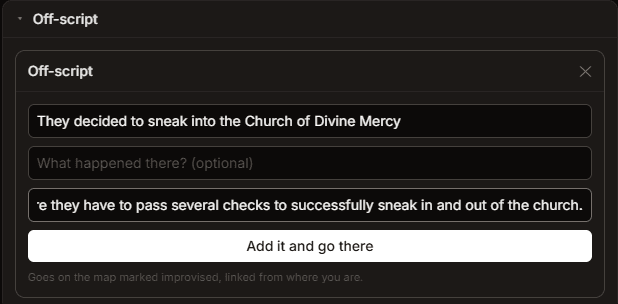
The party walks somewhere you did not prepare. Describe it in a line — “the back room of the Salt and Whistle, after hours” — and get a scene with read-aloud text back in seconds.
It knows your world, so what comes back fits it: the right names, the right weather, the right people nearby.
Step 6 — Catch things as they happen
A player does something that matters. One line into the note box and it is in the session log.
This is what the debrief reads afterwards, so anything jotted here is something you will not have to remember on Thursday.

Step 7 — Close the session
When you are done, close it. That marks it played and opens the door to the debrief.
Do it before you shut the laptop if you possibly can. It is far easier while your players are still putting dice away than it is three days later.
Questions
Questions people ask
No. Drop in a Notion or Obsidian export, a Word file, or paste anything at all. Yarnfold reads the people, places, factions and past sessions out of it and shows you every one before a word is written. If it is all in your head instead, answer nine questions and it builds from that.